Invented by GARG; Vipul, ESCOBAR AVILA; Javier Ricardo
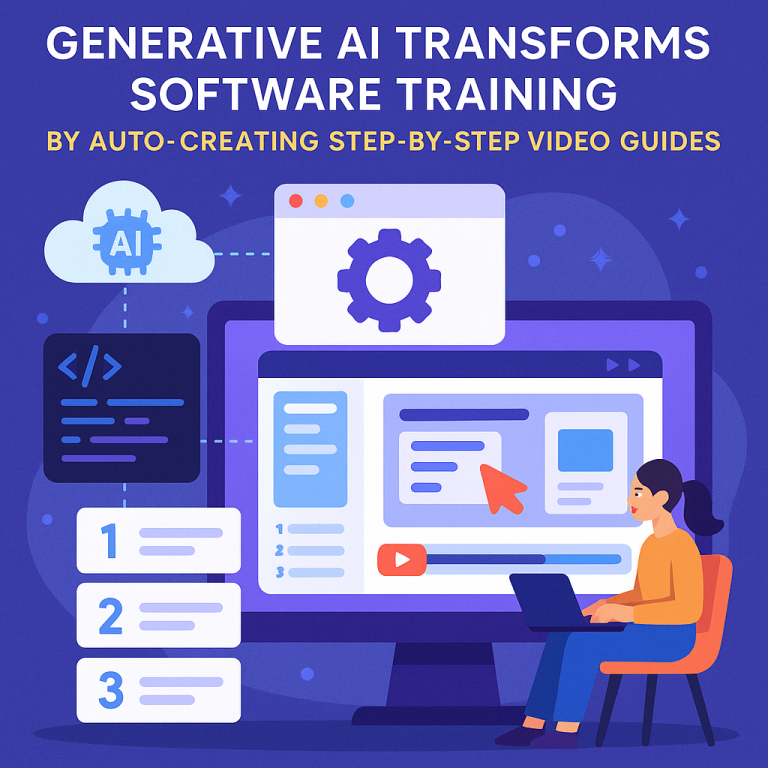
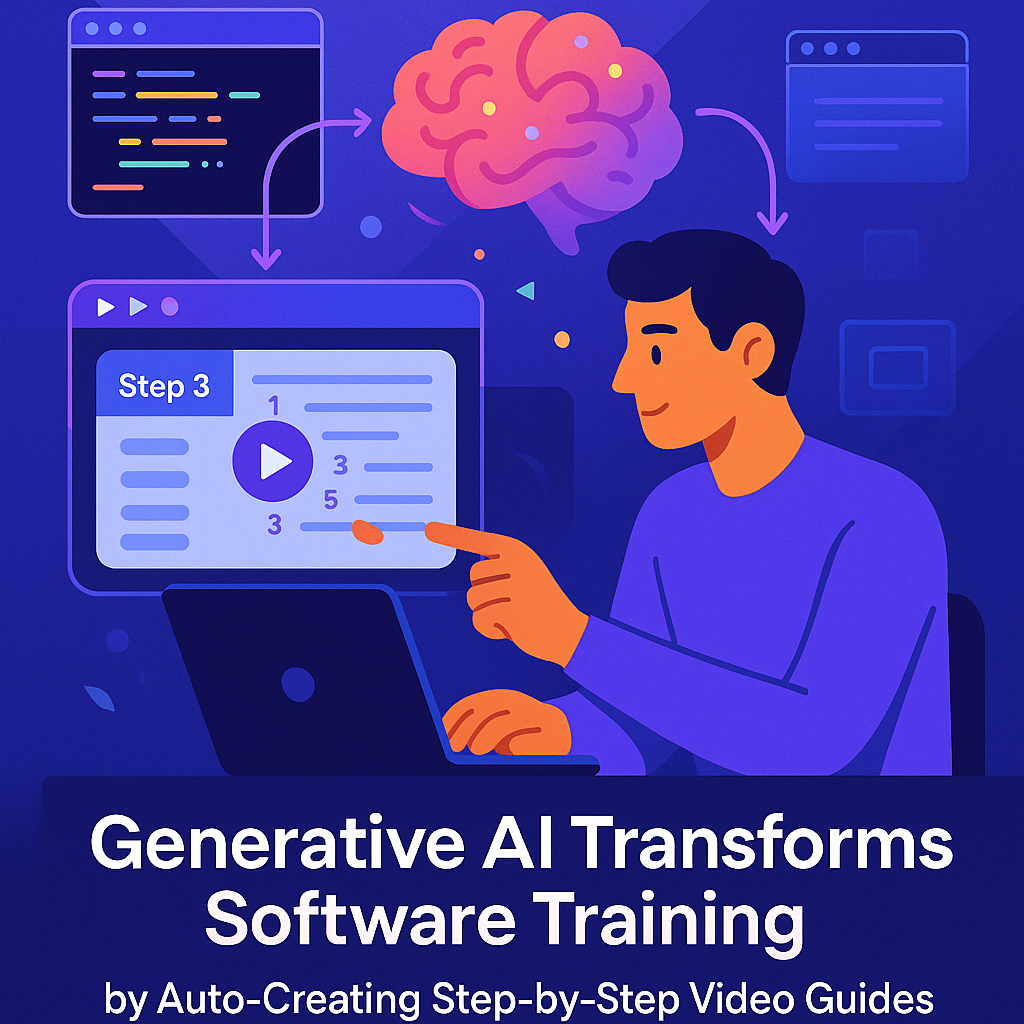
Technology keeps moving fast, and people now expect to learn things quickly and easily, especially when using complex software. This patent application is about a system that uses artificial intelligence (AI) to create helpful videos and step-by-step guides for users, all automatically. Let’s take a close look at this invention. We will start with the background and market context, move to the scientific ideas and previous work in this area, and finally explain the invention’s unique features and why they matter.
Background and Market Context
If you have ever used a new app or software, you probably know how confusing it can be. Big apps like spreadsheets, word processors, or design tools have hundreds of buttons and menus. Even advanced users get lost trying to find the right option. Companies try to help by writing instructions or making video tutorials, but keeping these up-to-date is very hard. Every time the software changes, the help content can become wrong or outdated.
Most users want quick answers. They don’t want to read long articles full of technical words or search through forums for help. In today’s world, people often prefer watching a short video that shows exactly what to do. But making and updating these videos takes a lot of time and effort. As a result, many users end up stuck, frustrated, or not using the app’s full power.
Businesses feel this pain, too. They want people to use their software in the best way, but they can’t afford to make new tutorials every time something changes. Some companies try to use automated tools to record actions or make guides, but these usually require a lot of manual setup or still need humans to create scripts or record the videos.
At the same time, AI is getting better at understanding instructions and generating content. Large language models can now create step-by-step guides based on a simple question. Automation tools can control browsers to click buttons and fill forms without human help. However, no one has put all these pieces together in a way that makes it easy to create fresh, accurate videos and guides every time a user asks for help.
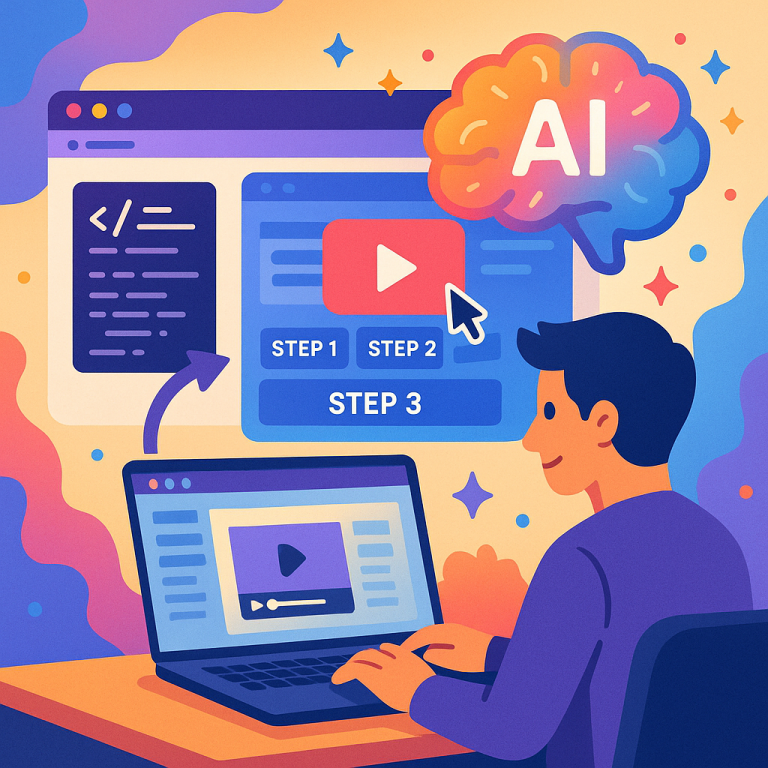
That’s where this patent application comes in. It describes a system that can, in real time, figure out what steps a user needs to do in an app, make a script to perform those steps, run the script in a browser, capture a video of what happens, and show that video to the user—all automatically. This solves big problems for both users and software makers. Users get the exact help they need, in a way that is simple and visual. Companies can keep their help content current, save money, and help their users faster.
Scientific Rationale and Prior Art
Let’s talk about what makes this technology possible and what has been tried before.
First, AI has reached a point where it can understand natural language questions and turn them into instructions. This is thanks to large language models (LLMs), which learn from reading huge amounts of text. These models can write clear steps for doing almost anything in an app, even if the user does not know the right technical words. For example, a person might say, “How do I add a shadow to my title?” and the AI can figure out they mean “drop shadow” and write the steps.
Second, browser automation tools like Selenium have been around for a while. They let computers control browsers just like a person would—clicking buttons, typing in fields, or opening menus. These tools are often used for testing apps or filling out forms but are not usually used to make tutorials for end users.
Third, video and screenshot capture tools allow people to record what happens on their screens. Some products combine screen recording with written instructions, but they usually need a person to record the steps or edit the video. Some companies have tried to automate this by recording mouse clicks or making slideshow guides from screenshots, but these often miss the context or don’t show exactly what the user wants.
In the past, some help systems tried to match user questions to a library of pre-made videos or guides. This works only if the answer already exists and is up-to-date. If the software has changed, the video might show the wrong buttons or menus. Other systems tried to use “macros” or recordings of actions, but these were hard to update and did not always work on different versions of the app.
More recently, companies have started to use AI to write instructions and even suggest actions inside apps. These systems might highlight the next button to press or show a short animation. However, these are often limited to a few tasks and do not create full videos or handle new features automatically.
The patent application stands out because it brings together the power of AI for understanding and generating instructions, browser automation for performing those steps in real software, and video capture to create a clear, visual answer for the user. It also goes a step further by using AI not just for the instructions, but for figuring out which buttons and menus to use in the app and even writing the code needed to automate the browser.
This solution is flexible. If the app changes, the system can make new videos for the latest version. If a user asks for something new, the system can create a guide on demand. It can even adjust for different versions of the app or different platforms, like Windows or Mac. This is much more advanced than previous systems and solves many of the problems that have held back automated help solutions.
Invention Description and Key Innovations
Now let’s get into the details of the invention itself and see what makes it special.
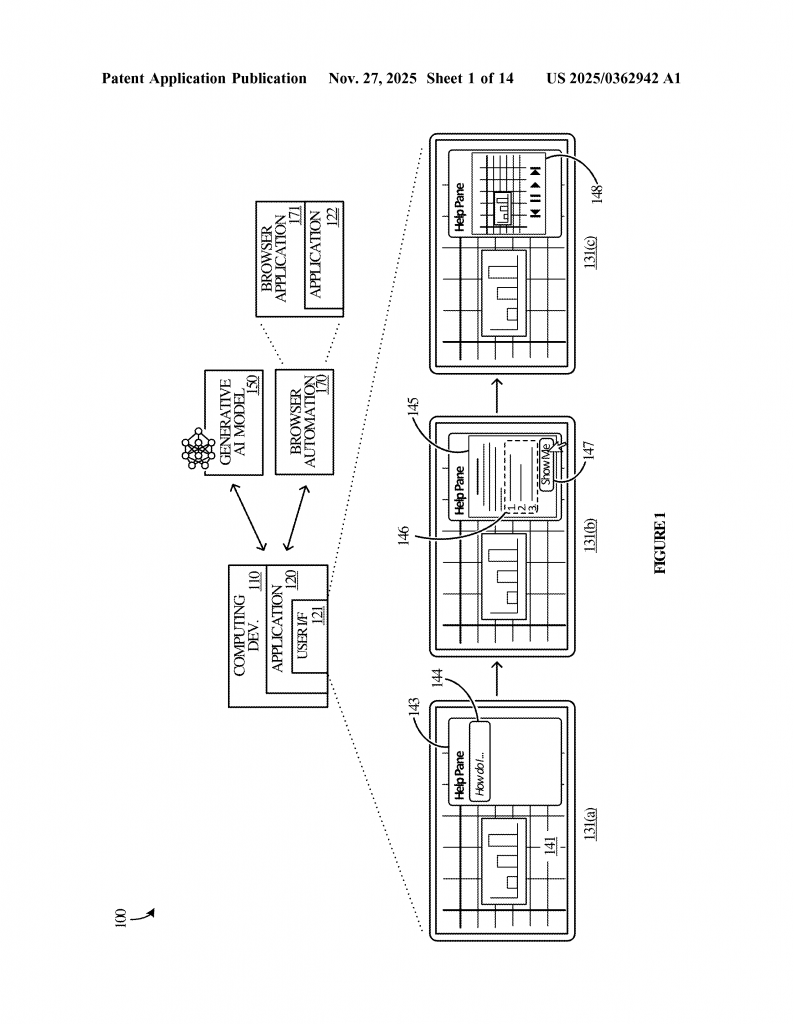
The invention is a computing system made up of three main parts: (1) storage where program instructions live, (2) processors that run those instructions, and (3) special software that ties everything together. When a user asks for help in an app, the system follows a series of steps:
First, it figures out what the user wants to do. The user might type a question like “How do I add a trendline to my chart?” or ask for help out loud. The system may look for existing help articles or, if needed, use a large language model to write clear, step-by-step instructions. This means the system can handle any question, even if it’s new or uses simple words.
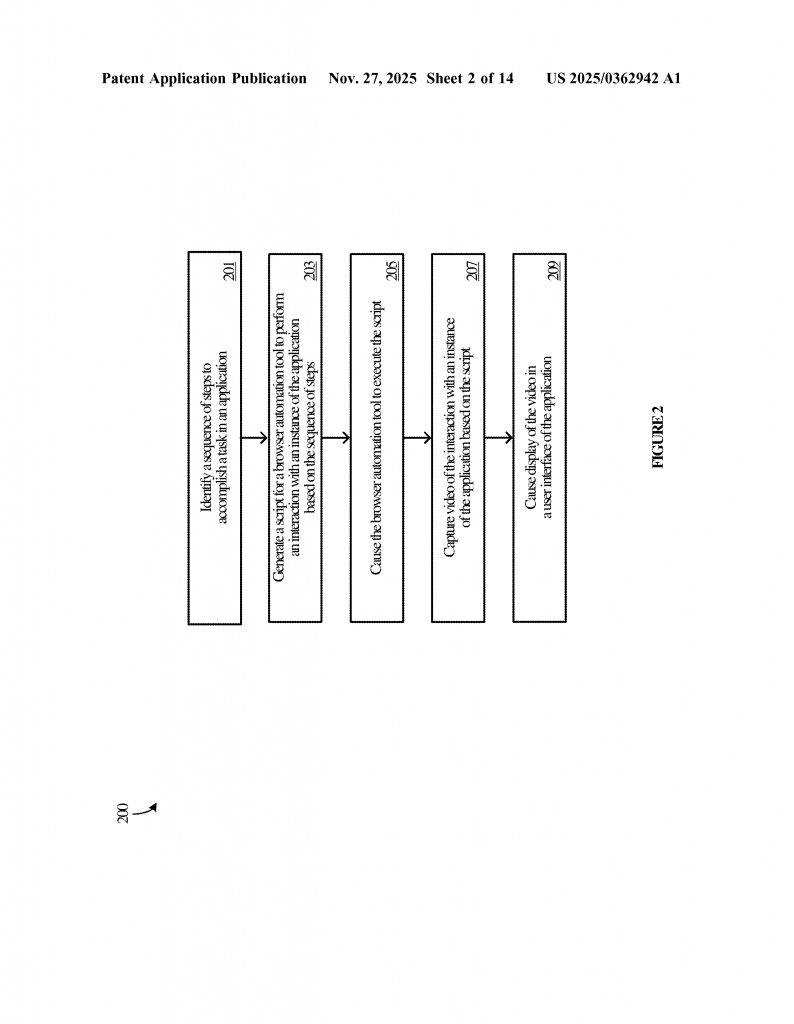
Next, the system takes those instructions and asks an AI model to list all the buttons, menus, and other parts of the app’s screen (called GUI elements) that are needed to do the task. This is important because different tasks might use different parts of the app, and the AI can figure out which ones are needed, even if the instructions are vague.
With the list of GUI elements, the system then creates a script for a browser automation tool. This script is like a recipe: it tells the browser exactly what to do, step by step—open the app, click this button, enter this text, choose this menu, and so on. In some cases, the AI writes this script directly, using information about the app’s interface and the task at hand.
The browser automation tool then runs this script in a real or simulated app, just as a human would. It may open a window, create a sample document or chart, and follow the steps to complete the task. While this is happening, the system records a video of what’s going on in the browser, capturing each step and even highlighting the buttons or menus being used. It can also take screenshots for use in written guides or step-by-step slideshows.
After recording, the system can edit the video to remove any extra waiting time, add captions that match each step, and compress the video so it loads quickly for users. The video is then shown directly inside the app’s help area or assistant pane. The user sees exactly how to do the task, in their own app, with the latest features and design. If needed, the video and screenshots can be saved for future users who ask the same question.
The system is smart enough to handle different versions of the app. If the app is updated, the system can make new videos using the latest interface, so users always get up-to-date help. It can even adjust for different systems, like showing the right buttons for Windows or Mac.
Some of the key innovations here include:
– The use of AI to understand natural language questions and turn them into clear, accurate steps, even if the user does not use the correct technical terms.
– Asking AI to figure out exactly which parts of the app’s screen need to be used for each step, so the instructions always match the current version of the app.
– Automatically generating the code needed to control a browser and perform the steps, without human help.
– Recording a video of the whole process, including highlights and captions, and displaying it instantly to the user.
– Keeping everything fresh and accurate by generating new videos or guides on demand, instead of relying on old, static help content.
– Saving the videos and screenshots for reuse, building up a library of help content that is always current.
– Handling different platforms and versions, so help content is always relevant for each user’s setup.
This invention makes it possible to deliver personalized, visual help to any user, at any time, without the need for manual video creation or script writing. It lowers the cost of support, speeds up learning, and helps users become more productive with less frustration.
Conclusion
The patent application we have explored is a bold step forward in how people learn to use software. By mixing the latest advances in AI with clever automation and video capture, it creates a system that can answer almost any “how do I?” question in real time, with a video that shows the answer. This technology promises to make software easier for everyone to use, while saving companies time and money on support and training.
If you are building apps, this invention could help keep your users happy and make sure your help content is always up-to-date. If you are a user, it means you will spend less time searching for answers and more time getting things done. The future of automated, AI-driven help is here, and this patent shows us exactly how it can work.
Click here https://ppubs.uspto.gov/pubwebapp/ and search 20250362942.