Invented by SHOJI; RYOTA
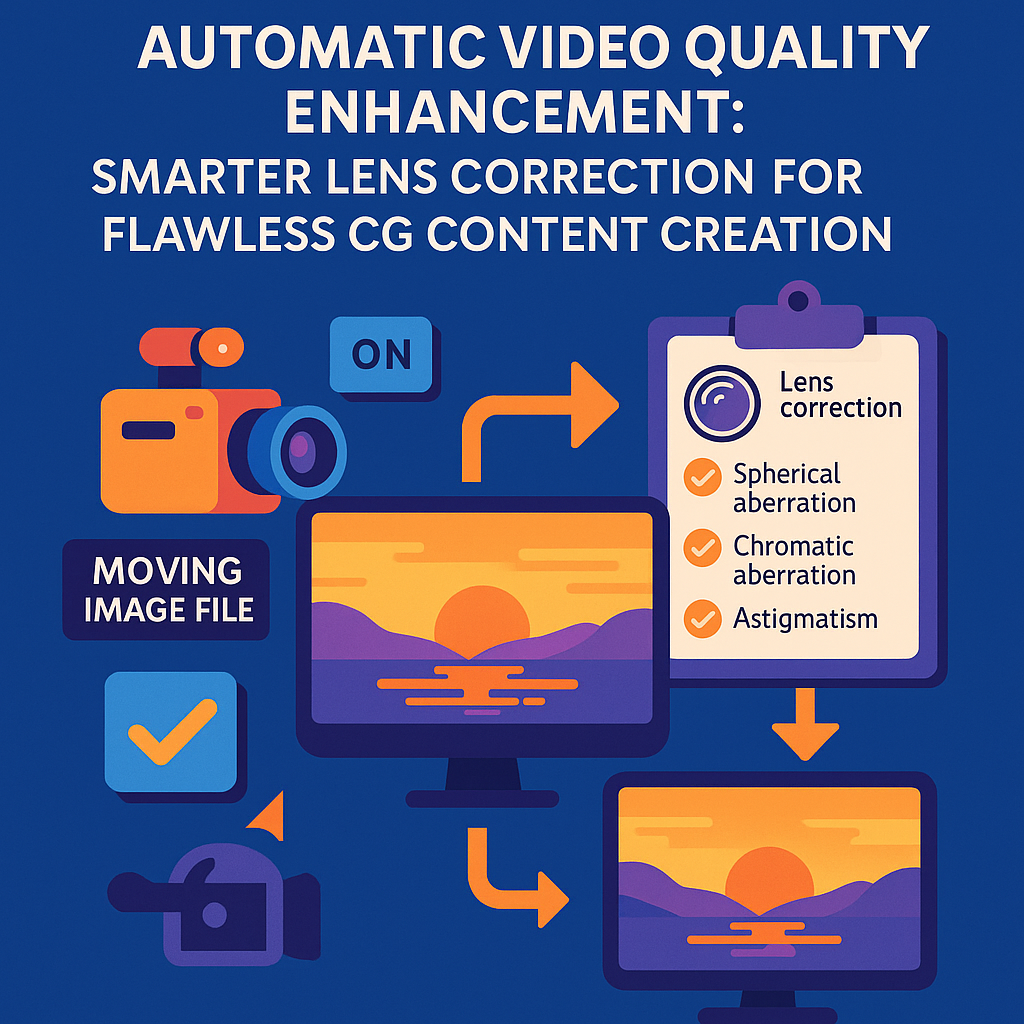
Virtual production is changing the way we make movies, games, and digital content. At the heart of this change is how computer graphics (CG) blend with real-life video. But, there’s a big problem: camera lenses make images look a little odd, a thing called “lens aberration.” This article explains a new invention that makes CG and real videos fit together just right by fixing lens problems before mixing them. We will guide you through the background, the science, past solutions, and finally, what makes this invention a big step forward.
Background and Market Context
Mixing real-world video with computer graphics is now a must in movies, TV, and advertising. To make a superhero fly or put a dinosaur in the city, artists combine videos from cameras and images made by computers. But when you put these two together, something can look off. The main reason is lens aberrations—tiny but visible problems that come from camera lenses. These can make the corners of an image darker, colors shift, or straight lines look bent. CG images, however, are made perfect in the computer, so they don’t have these issues.
Content creators want the final image to look real, as if nothing was ever added by a computer. But if the real video and the CG don’t match, the audience can tell. To solve this, it’s important to remove lens aberrations from the real video before mixing it with CG, and sometimes add them back to the final mix to make everything look natural.
The rise of digital cameras that save images in “RAW” format has given creators more control. RAW files are like digital negatives, keeping all the camera’s details. This means artists can decide how to fix or adjust the video later. But, as workflows get more complex—with different types of cameras, editing software, and file conversions—keeping track of which lens fixes have been applied, and which are still needed, gets tricky. Sometimes, important data about the lens or how the video was shot gets lost, especially when converting between file formats or editing with different tools.
Studios, video editors, and VFX artists all want a simple way to handle these lens fixes, no matter what camera or software they use. The goal is to make sure that before any CG is mixed in, the real video is cleaned up, and after the CG is added, any needed lens quirks can be put back. This invention answers that wish, making the whole process smoother, less error-prone, and more automatic.
Scientific Rationale and Prior Art
Let’s talk about what lens aberration is, why it matters, and what people have tried before.
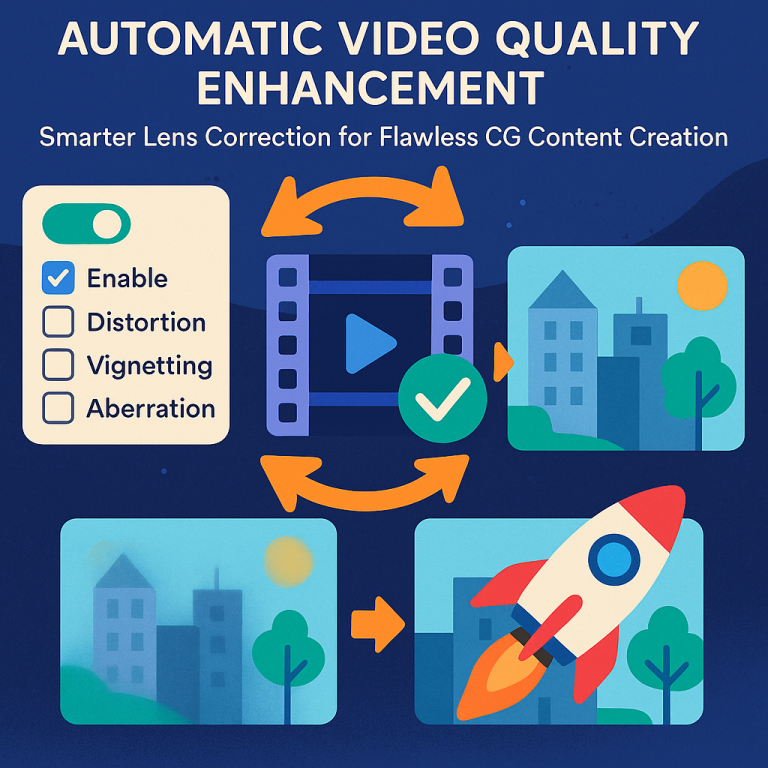
A camera lens bends light to form a picture, but it doesn’t do this perfectly. Some common problems are:
– Peripheral Light Loss: Corners of the image are darker.
– Chromatic Aberration: Colors can split or shift, making red or blue edges.
– Distortion: Straight lines look bent or curved.
– Focus Breathing: The image size changes slightly when focusing changes.
These problems make real video look different from perfect computer images. If you mix them without fixing the lens problems, the final video looks fake or mismatched. So, it’s important to fix these lens issues before adding CG. Sometimes, after adding CG, you want to add back a little lens imperfection to blend everything and make it look more natural.
In the past, camera makers started to embed information about how to fix these problems inside the video file (called metadata). Especially with RAW files, most of the data is there, including which lens was used and which fixes were turned on or off at shooting time. Some cameras even let the user choose which lens fixes should be applied before recording. For example, you might decide to fix the dark corners but leave distortion as it is.
However, these solutions had limits. When videos were edited or changed to a new format (like from RAW to MP4 or EXR), the metadata could be left behind. Editing programs made by third parties (not the camera maker) often could not read this special metadata, so they didn’t know which corrections were already done. This meant that, in some cases, lens problems were either not fixed at all or were partly fixed, leaving the video in a bad state for CG mixing.
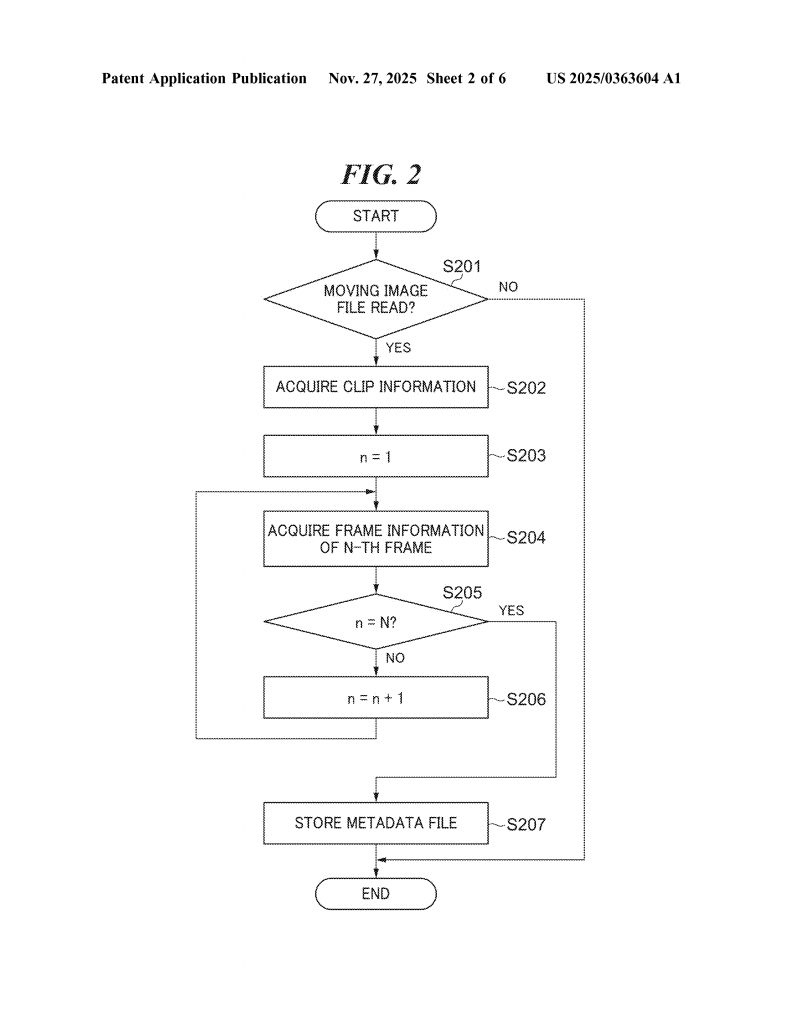
Some camera makers built special tools to export this metadata into separate files, which could later be matched with the video. But this was a manual process, and mistakes were common. Sometimes, settings in the camera or editing software didn’t match, causing confusion over which lens corrections had already been applied and which still needed to be done.
Prior art, like Japanese Patent Publication 2014-23063, explained storing lens correction data with video files, but did not fully solve the problem of handling all lens corrections automatically, especially when file types changed or when various editing systems were used. There was also no good way to let users decide, at the time of mixing with CG, whether to follow the original camera settings or to apply all possible corrections.
In summary, before this invention, there were ways to store and use lens correction data, but they were not robust or flexible enough for the fast, multi-tool workflows of today’s virtual production. Artists still had to do a lot of manual checking, and mistakes or mismatches were common.
Invention Description and Key Innovations
This new invention is an information processing device (think of it like a smart computer program) that makes fixing lens aberrations easy and accurate, no matter which camera or editing system is used.
Here’s how it works:
When a video is captured, the camera may or may not apply some lens corrections right away, depending on user settings. The camera records these settings (what was fixed, what wasn’t) as metadata in the video file. If the file is later converted or edited, this metadata can be saved in a separate file.
The invention’s system has two main jobs:
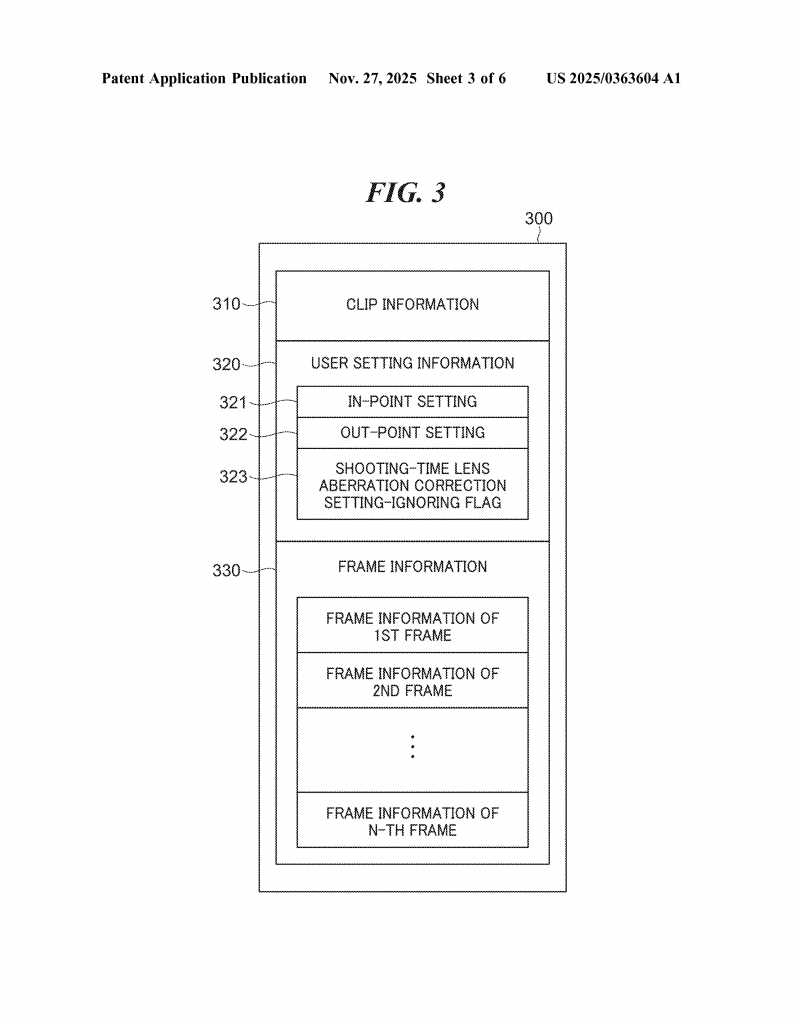
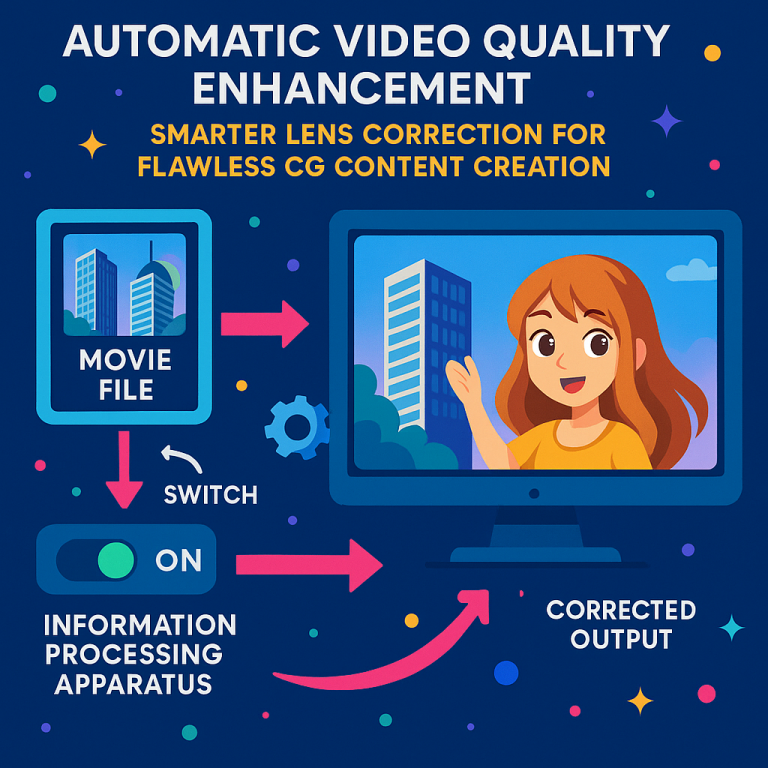
1. Apply Lens Corrections Before CG Mixing: Before any CG images are added to the real video, the system checks which lens corrections have already been applied. It can do this by reading the metadata from the video or the separate metadata file. If some corrections were not applied at shooting time, it applies just those. If the system can’t tell (for example, if the metadata is missing or unreadable), it applies all possible corrections to make sure the real video is as clean as possible before adding CG.
2. Switching Modes—Automatic or Manual: The system can automatically decide whether to use the original camera settings or just apply all corrections, based on the metadata, the editing software used, or even a user-set flag. This is important because sometimes, after editing or format changes, the original correction info may not be reliable. The user can also choose to override the camera’s decisions, forcing all corrections to be applied if needed.
Let’s break down the system’s key components:
– Application Unit: This part applies the needed lens corrections to the video file before CG mixing.
– Switching Unit: This part decides whether to use the camera’s original lens correction settings or to ignore them and apply everything.
– Reading Unit: This part reads metadata from the video file or a separate metadata file, including any user-set flags about how corrections should be handled.
– Acquisition Unit: This part checks what kind of processing has already been done to the video (for example, did the camera maker’s software develop the file, or did a third-party editor do it?).
– Determination Unit: This part can even check for things like digital watermarks or the type of camera used, to help decide how to handle corrections.
The system is smart—it can look for a flag in the metadata that tells it to ignore the camera’s settings and just apply all corrections. Or, it can use information about what editor processed the file to decide. For example, if the video was developed using the camera maker’s own software, it trusts the camera’s settings. If not, it applies all corrections.
After the CG is added, the system can also put back lens aberrations if needed, to make the final image look natural and real. This is helpful because computer-generated images are always perfect, but real videos have little quirks. By adding back just the right amount of lens imperfection, viewers can’t tell where the real video ends and the CG begins.
The invention also handles tricky situations. If the metadata is missing or can’t be read, the system doesn’t just give up. It can use clues like the file format, editor name, or even digital watermarks to make a good decision. This makes the workflow much more reliable.
The system covers all major types of lens correction: fixing dark corners (peripheral light amount), color shifting (chromatic aberration), distortion, and focus breathing. This means every common lens problem is handled.
Another helpful feature is the user interface. The system can show a simple screen where the user can pick whether to use the camera’s settings or apply all corrections, and even choose which types of correction to use. This hands control back to the artist but makes it easy and mistake-proof.
Finally, the invention can be used as software running on a computer, or as a program stored on a computer-readable medium. This makes it easy to add to existing workflows or to build into new editing tools.
Conclusion
This invention brings a new level of reliability and flexibility to virtual production. By tracking, applying, and managing lens aberration corrections automatically, it removes guesswork and errors from the process. Editors and VFX artists can be sure that the real video is always ready for perfect CG mixing, and that the final result looks just right. No matter what camera, file format, or editing tool is used, this system adapts and ensures that lens problems are handled properly, every time.
The result is better-looking movies, smoother workflows, and fewer headaches for everyone involved in the creative process. As virtual production grows, smart solutions like this one will be key to making the impossible look real, and to keeping the magic behind the scenes invisible to audiences everywhere.
Click here https://ppubs.uspto.gov/pubwebapp/ and search 20250363604.