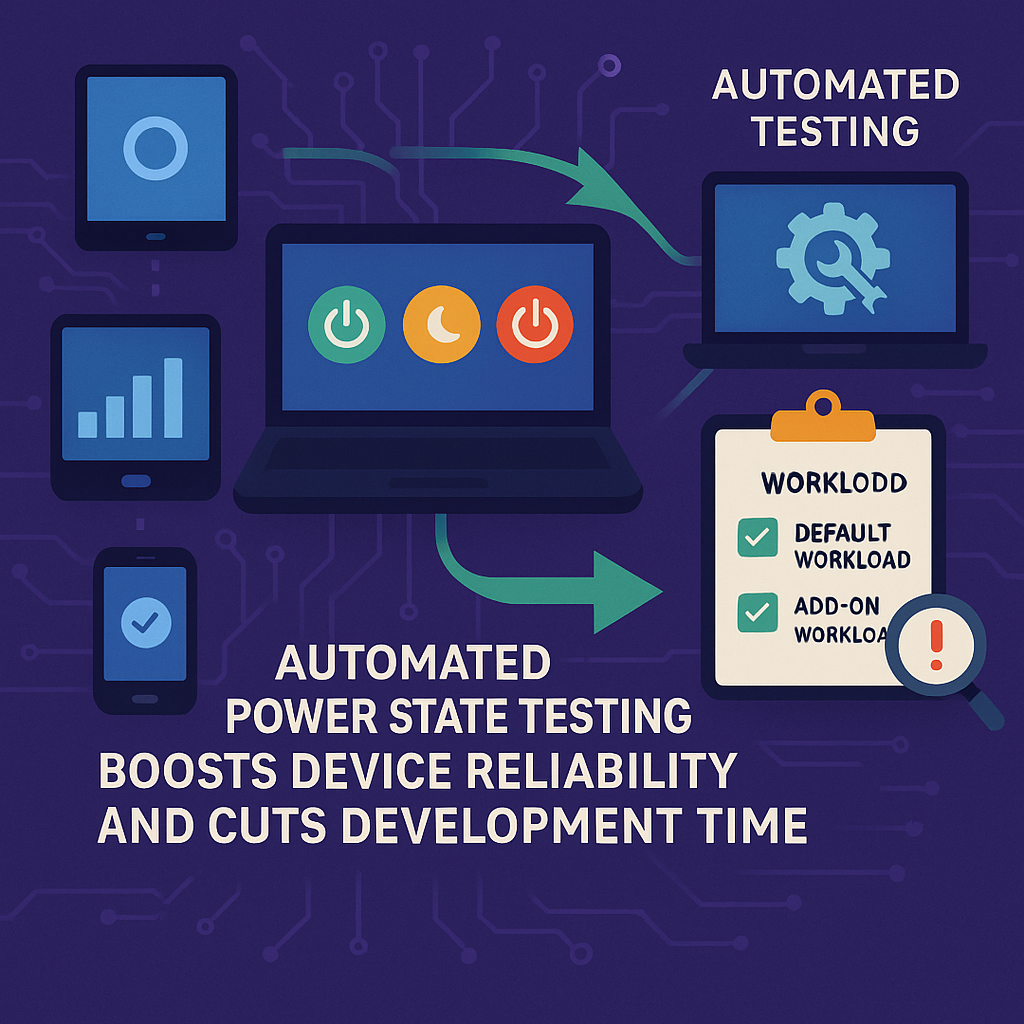
Invented by LUCERO; James Christopher, BLAIR; Jonathan Michael, MARTIN; Bradley Robert, KARTHEEK; Rathi, CLAUDIO; Miguel A., ZARKO; Al, ALEKSENKO; Alexei
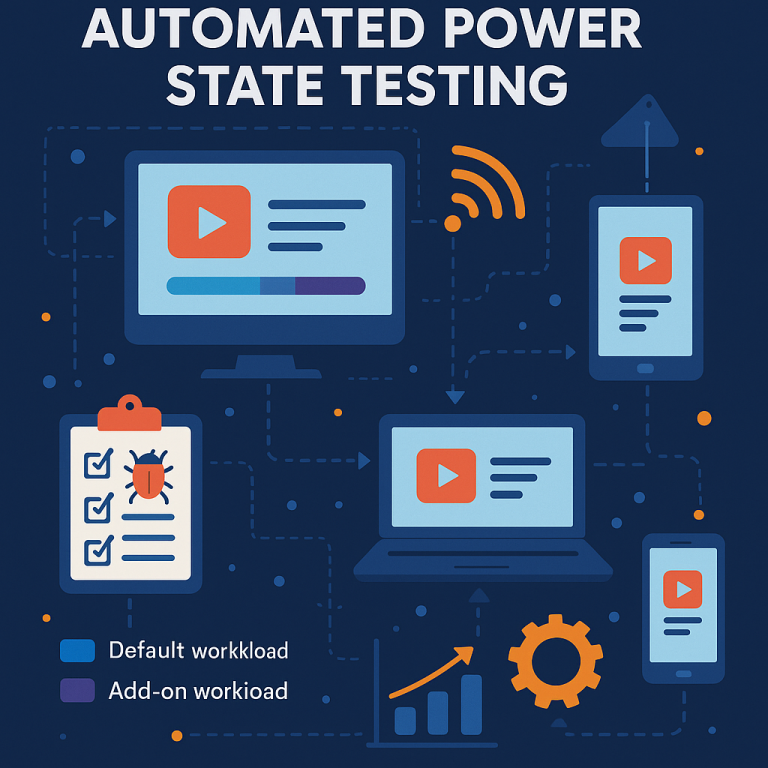
Testing computers is hard, even for big companies. But a new invention described in this patent application changes how companies and users can test devices before they buy or use them. Let’s take a close look at why this matters, the science behind it, and how this new system works.
Background and Market Context
Today, almost everyone uses computers, phones, or tablets, both at home and at work. Businesses buy many devices at once. They want to make sure these devices work well, do not break, and are good for their jobs. But here is the problem: most testing is still done by hand. Real people use the computers, try out different things, and look for problems. This takes a lot of time and is not always very good. People can make mistakes, miss steps, or not test the same way every time.
When companies buy lots of computers before testing them, they can run into trouble. Sometimes, after buying many devices, they find problems—maybe the battery dies too fast, or a program crashes when the device wakes up from sleep. These problems might not show up until users start working for real. At that point, fixing or replacing devices is expensive and stressful.
Manual testing is also slow. If a business has hundreds or thousands of devices, it is almost impossible to test each one by hand. And each person might test in a different way, so results are not the same. This means some problems slip by, and users end up with broken or buggy devices.
There is another challenge. Devices today do more than ever. They have many parts—screens, cameras, keyboards, network cards, and more. They also have to switch between different power states, like sleep, hibernate, or full power. Problems can happen when the device changes between these states, especially if it is running a program at the same time. But manual testers might not catch these problems because it is hard to repeat every possible step for every device, every time.
Companies need a way to test devices faster, more carefully, and in a way that matches how real people use them. They want to know not just if a device works, but if it works well through all the things a real user would do, including turning on, going to sleep, waking up, and running apps. They also want to know which problems are the most serious and should be fixed first.
This new patent application aims to solve these problems by using smart automation. It lets computers test themselves, running real-world tasks while switching power states, and finding problems automatically. This means better testing, fewer surprises, and happier users.
Scientific Rationale and Prior Art
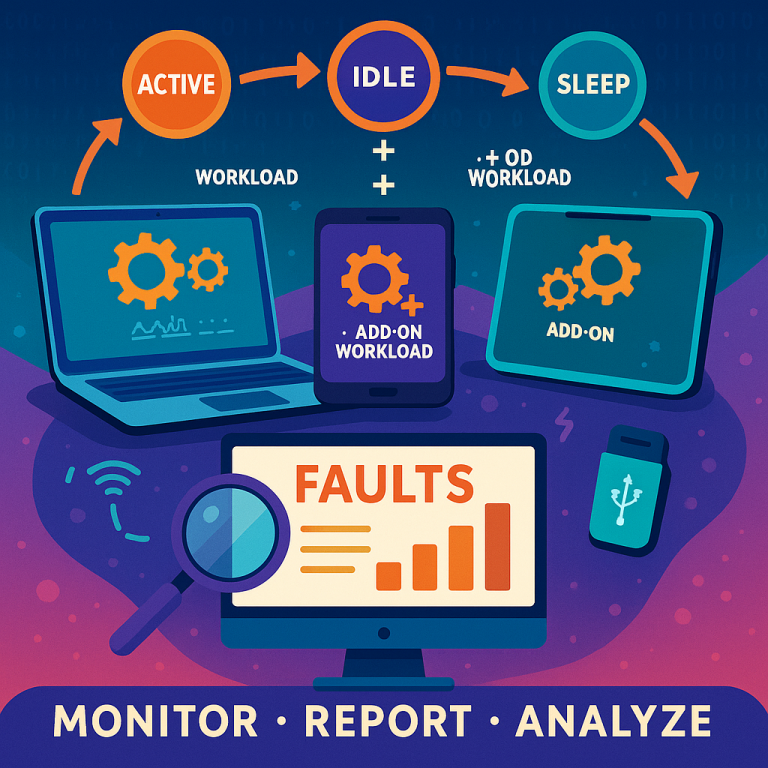
For a long time, testing computers meant having people use them and watch for mistakes or crashes. This might work for a few devices, but not for many. Over time, some tools have helped automate parts of testing. For example, some programs can open and close apps, or check battery life. But these tools often miss the bigger picture—they do not test what happens when a device is in the middle of something and then goes to sleep or hibernates, or when many devices are tested at once, each with different setups.
Older testing methods also have trouble keeping up with all the kinds of devices out there. Phones, tablets, laptops, and desktops all have different power states and ways of handling sleep, restart, or shut down. Some testing tools work only for one kind of device or for one kind of test. They do not let testers mix and match different tasks or handle lots of devices at the same time.
Some more advanced testing systems let users write scripts to automate tasks. But these scripts often do not include power state changes, or they require lots of custom work to set up and keep running. And when a problem is found, it is not always clear what caused it. Did the app crash because of a bug, or because the device lost network when waking up from sleep?
Another problem with older methods is keeping track of all the results. When many devices are tested, it is hard to collect all the data, figure out which problems matter the most, and share the results with the team. Sometimes, a minor problem gets as much attention as a big one that would really bother users.
To address these limits, some companies have tried to use cloud-based systems or central servers to collect data from many devices. But even these systems often lack good ways to simulate real user actions while also handling power state changes, or they cannot give clear, simple reports about which problems should be fixed first and why.
The science behind this new invention brings together several ideas:
- Automating real-world user actions as “workloads” that a device can run by itself
- Mixing these workloads with changes in power states, like sleep, hibernate, or restart
- Watching and recording not just the main device, but also all connected parts, like USB drives, keyboards, and network connections
- Analyzing the results to find out what went wrong, what caused it, and how serious it is
- Sharing this data with a central server, so managers or testers can see results from many devices at once
- Sorting problems by how much they would bother a real user, so fixes can be made faster and smarter
This new system moves past old testing tools by doing all these things together, in a way that is easy to set up, runs on many devices and types, and gives clear, useful feedback. This makes it possible to catch more problems before devices reach users, and to fix the biggest problems first.
Invention Description and Key Innovations
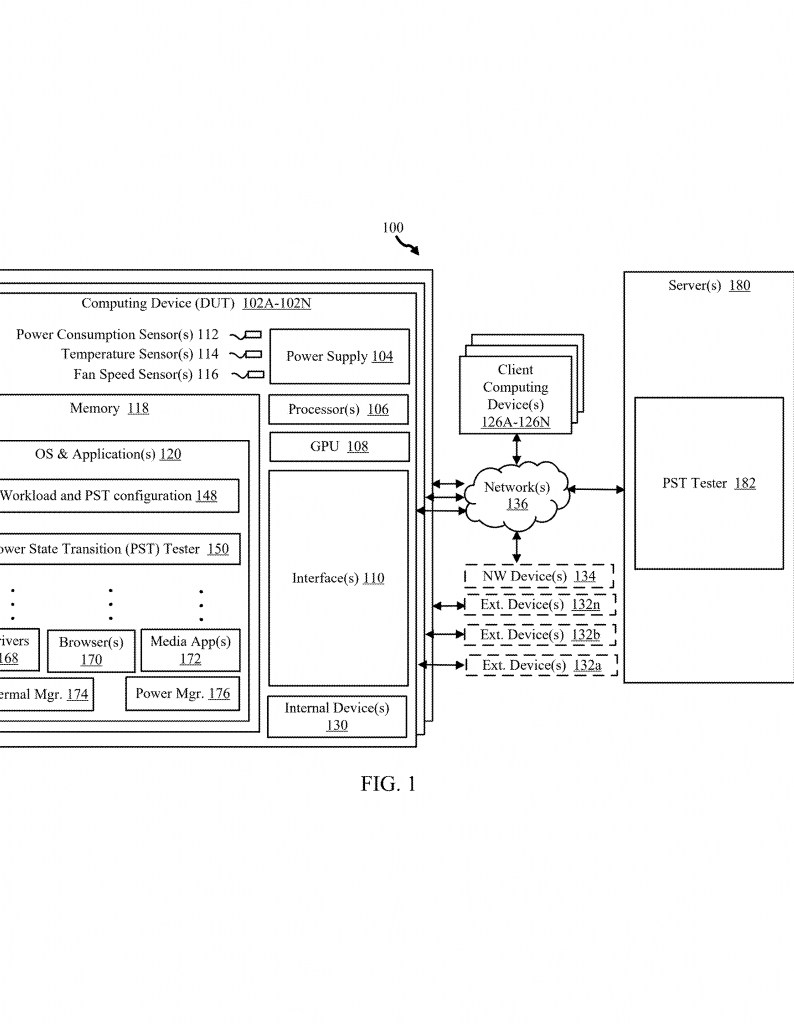
This invention is a smart system for testing computers, phones, and tablets automatically. It can do real user tasks, make the device switch between power states, and find and report problems, all on its own. Let’s break it down into simple parts so you can see how it works and why it is special.
At the center is a set of tools that can be installed on a device (like a laptop or tablet) or run from a server. These tools have different “workers” that do specific jobs:
Configurer: This part sets up the “test plan.” It chooses what the device should do (like open apps, play music, connect to WiFi), and when the device should go into different power states (like sleep or hibernate). The plan can be different for each type of device—what is normal for a phone might not be for a desktop.
Workload Initiator: This worker starts the test. It makes the device act like a real user—opening apps, running programs, using the network, and more. At the same time, it tells the device to go to sleep, wake up, or restart, just like what happens when people use devices every day.
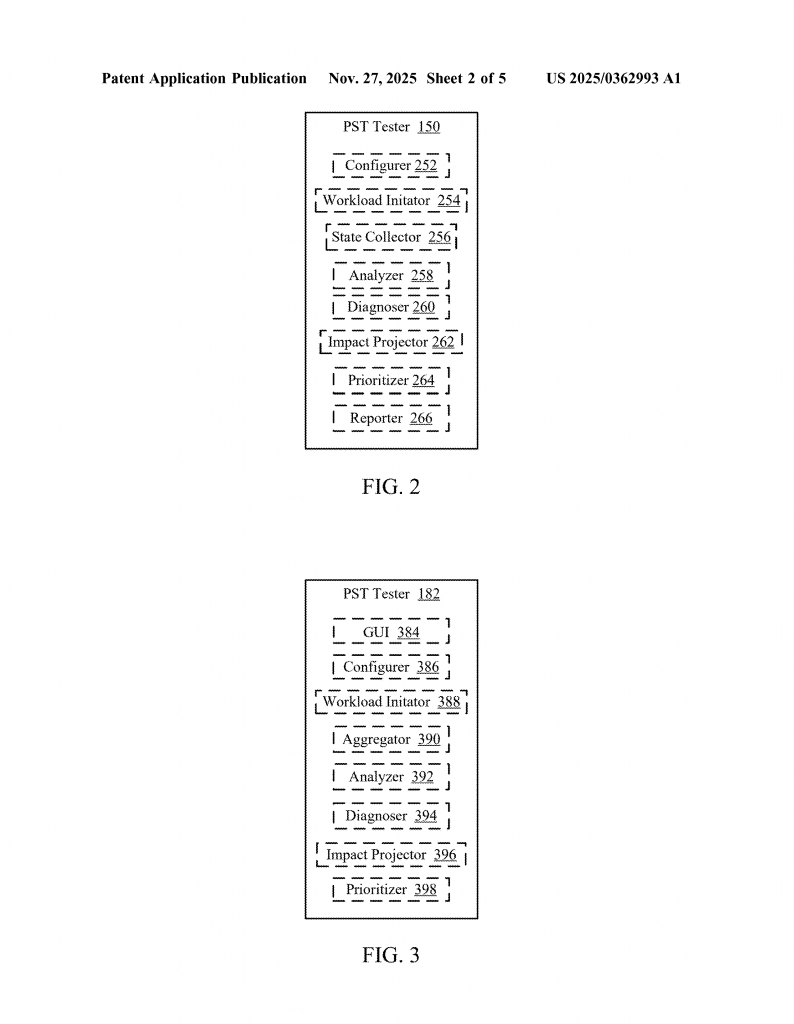
State Collector: While the test is running, this worker watches and writes down what is happening. It keeps track of things like: is the network still working after waking from sleep? Did a USB drive disconnect? Is the battery draining too fast? Did any part crash or disappear?
Analyzer: After collecting all this data, the analyzer looks for problems. It checks if something failed, crashed, or just acted strange. It does not just say “something is wrong”—it tries to figure out what kind of problem it is, and if it happened once or many times.
Diagnoser: The diagnoser digs deeper. It tries to find out what caused the problem. For example, was a crash because of a bad driver, or did a network drop cause an app to fail? It also suggests ways to fix the problem.
Impact Projector: This is a smart part. It asks, “If a real user saw this problem, how bad would it be?” If a crash happens every time the device wakes up, that is a big deal. If something minor happens once and does not bother the user, that is less important. This part helps teams fix the biggest problems first.
Prioritizer: After seeing the impact, this worker puts the problems in order. It ranks them from most to least important, so engineers know where to start.
Reporter: Finally, the reporter sends all the results to a server. It can show the data on a web page, so teams can see which devices have which problems, and how many times they happened. If many devices have the same problem, it is easier to see and fix.
This system is very flexible. It can run on just one device, or on many at once. It works for all kinds of devices—phones, tablets, laptops, desktops, and more. Tests can be set up to match real user actions, or to push devices hard by mixing up the order of actions and power changes. You can even test with real batteries or simulated batteries, to see how devices act in different power situations.
Another smart feature is “halt on fail.” If a big problem happens, the test can stop right away, so engineers can look at what went wrong. This saves time and helps catch the root of the problem faster.
The system also keeps good records. It saves logs, reports, and even memory dumps when a crash happens. This makes it easy to go back and trace what happened, see patterns, and share results with others. If you are testing hundreds of devices, the server can put all the results together, so you see the big picture and not just bits and pieces.
Because it is automated, this system can test devices much faster than people can. It does not get tired, make mistakes, or skip steps. It can repeat the same test hundreds of times, or try out new tests with just a few changes. This means better testing, less cost, and much less stress for teams and users.
What makes this invention stand out is how it brings everything together: real user actions, power state changes, deep checks for problems, clear reporting, and smart sorting of what matters most. It is not just another testing tool—it is a full system that helps make sure devices work well before they reach users.
Conclusion
Testing devices used to be slow, risky, and full of guesswork. This new automated framework changes all that. By letting devices test themselves, mixing real user actions with power changes, and sorting out the most important problems, it gives companies and users a better way to make sure their computers, phones, and tablets are ready for real life.
With this system, businesses can buy with confidence, knowing their devices are tested the same way every time, and that the biggest problems will be found and fixed first. Users get devices that just work, through sleep, wake, and everything in between. And support teams spend less time hunting for bugs and more time making things better. It is a smarter, faster, and more reliable way to make sure technology works the way it should.
Click here https://ppubs.uspto.gov/pubwebapp/ and search 20250362993.